Capture your Mac's screen like a pro
Screenshots. Recordings. Annotations. The complete screen capture toolkit for macOS.
macOS 14+ · Apple Silicon & Intel · No account required
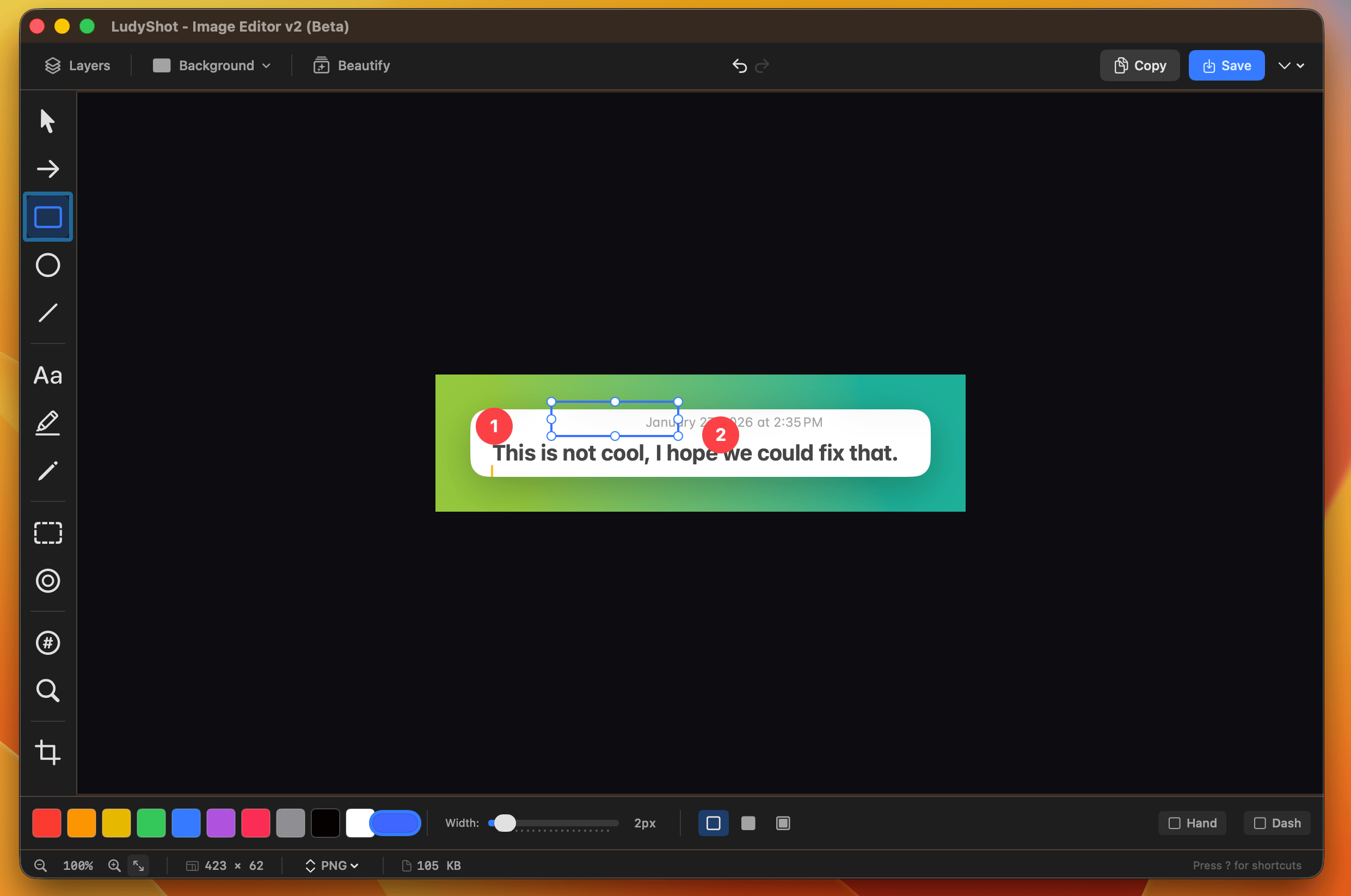
Screenshot it. Copy the text.
Extract text from any screenshot instantly. Grab text from images, videos, PDFs, or even unselectable UI elements. One hotkey copies everything to your clipboard.
- On-device processing with Apple Vision - no cloud, no privacy concerns
- Code Mode preserves indentation and special characters
- Supports 30+ languages including CJK
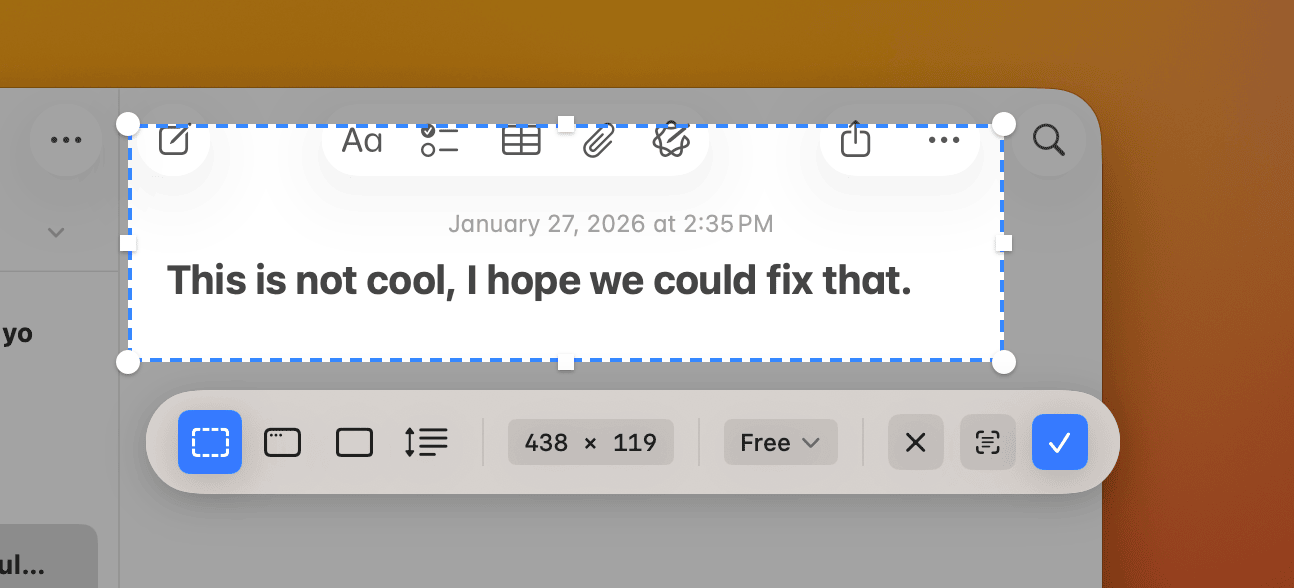
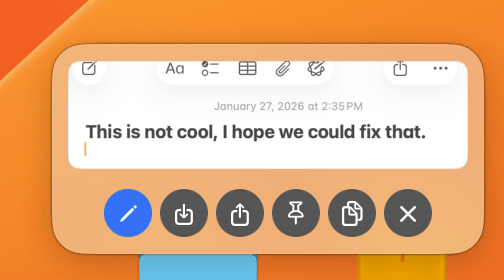
Pin it. Reference it. Compare it.
Capture any area and pin it as a floating window that stays on top. Perfect for sticky notes, design references, or comparing layouts side by side without switching apps.
- Always-on-top floating windows with adjustable opacity
- Ghost Mode - click through pins to interact with content beneath
- Stack up to 5 pins for multi-reference workflows
Everything from your menu bar.
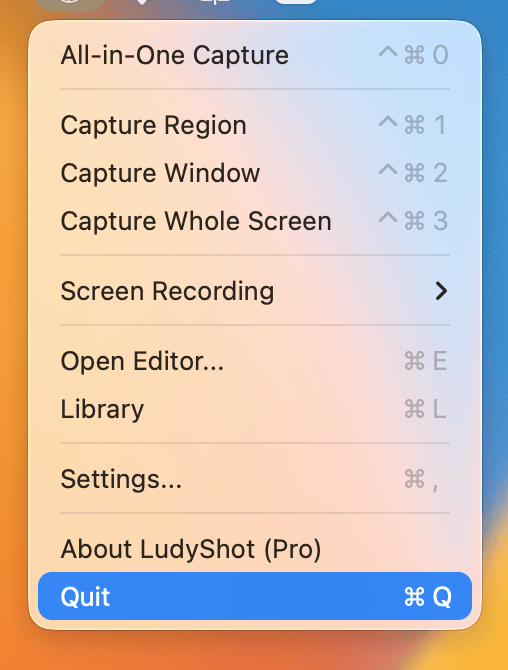
LudyShot lives in your menu bar, always ready. One click to capture, record, or open your library. Keyboard shortcuts for everything - customize them to your workflow.
- All-in-One Capture mode for quick screenshots
- Screen recording with 4K quality and up to 120fps
- Global hotkeys that work in any app
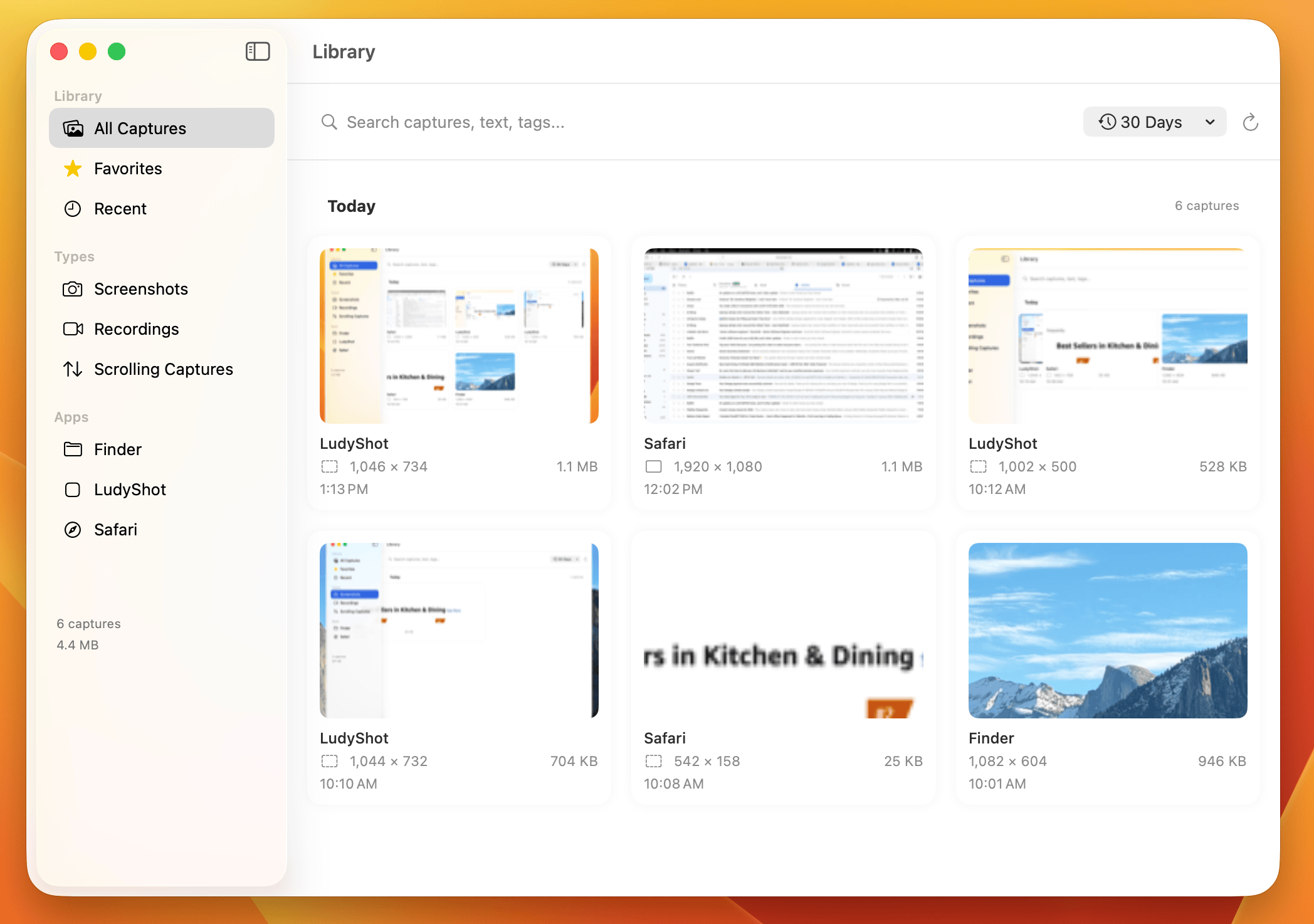
Find any screenshot. Instantly.
No more hunting through folders. Every capture is automatically saved to your library with metadata, OCR text, and source app info. Search by text content, date, or source.
- Full-text search powered by background OCR indexing
- Smart filters by source app, website, capture type
- Tags, favorites, and collections for organization
Annotate like a professional.
A complete annotation toolkit for tutorials, bug reports, and design feedback. Numbered steps, mosaic blur, spotlight effects, and beautiful arrows - all with one-key shortcuts.
Keyboard first
Capture without touching your mouse. All shortcuts are customizable.
| Action | Shortcut |
|---|---|
| All-in-One Capture | ⌃⌘0 |
| Capture Region | ⌃⌘1 |
| Capture Window | ⌃⌘2 |
| Capture Whole Screen | ⌃⌘3 |
| Open Editor | ⌘E |
| Library | ⌘L |
Simple pricing
One price. All features. Forever.
Lifetime License
Pay once, use forever
- Unlimited screenshots and recordings
- All annotation and beautification tools
- OCR text extraction included
- Lifetime updates included
- 30-day money-back guarantee
Secure payment via Stripe
Want to try first?
Download Free TrialQuestions
Is this a one-time purchase?
Is there a free trial?
What macOS versions are supported?
Does OCR work offline?
How does it compare to CleanShot X?
Ready to capture better?
Download LudyShot and start creating beautiful screenshots today.